Web application2026
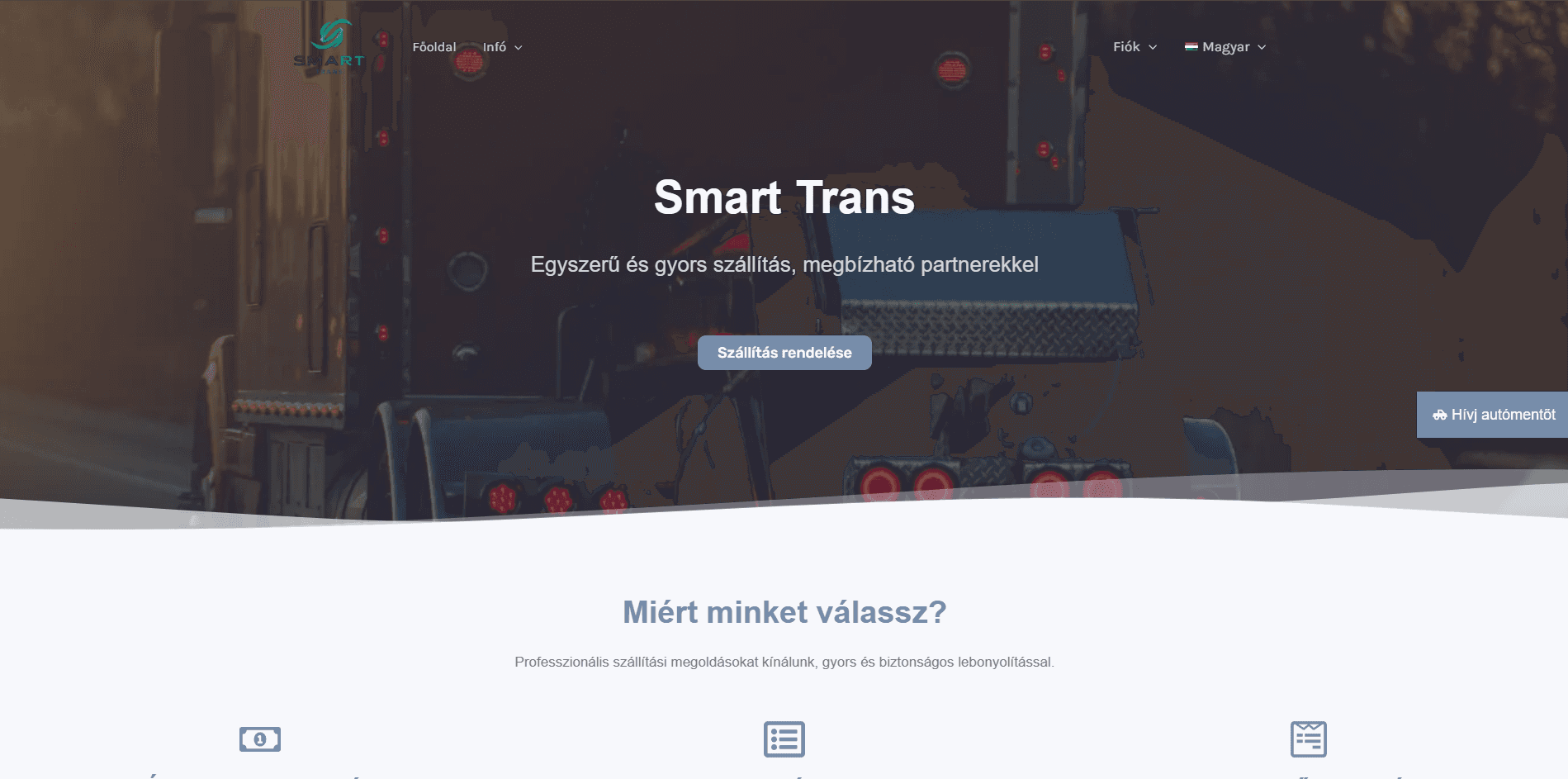
SmartTrans – View case study
Fuvarozási piactér megrendelők és szállítók összekapcsolására.
- Laravel
- PHP
- MySQL
- JavaScript
- REST API
Service 02 / 06
When spreadsheets, email threads or an off-the-shelf tool no longer fit the way people work, a web application can. We build browser-based systems with accounts, roles and structured data that your users can rely on every day.
Typically for
01The problem
Many processes start in spreadsheets, shared folders and email. That works until several people need the same data, permissions start to matter, or the same information is typed into three different places.
A web application gives the process one home. Each user sees what is relevant to them, data is stored in a structured way, and the rules of the business are built into the system instead of living in people's heads.
02How it fits together
Clear roles at the top, consistent data at the bottom, and the rules of your process in between.
03Use cases
Systems that connect two sides, for example clients posting requests and providers sending offers, each with their own profile and permissions.
Platforms where an organisation publishes content, media or events and manages everything from one administration area.
Collecting, assigning and tracking requests or reservations in one system instead of across phone calls and email.
Overviews that bring data from daily work together, so decisions do not depend on manually compiled reports.
04Capabilities
05How we work
We go through how the process works today, who is involved and where it breaks down.
Before screens are designed, we agree on the user roles, the data and the rules that connect them.
The application grows in stages, each one usable and testable, instead of one large delivery at the end.
After launch, real usage shows what to refine next, and the system can grow with new functionality.
06Related work
Published projects from our portfolio in which this service played a central role.
Web application2026
Fuvarozási piactér megrendelők és szállítók összekapcsolására.
Website2026
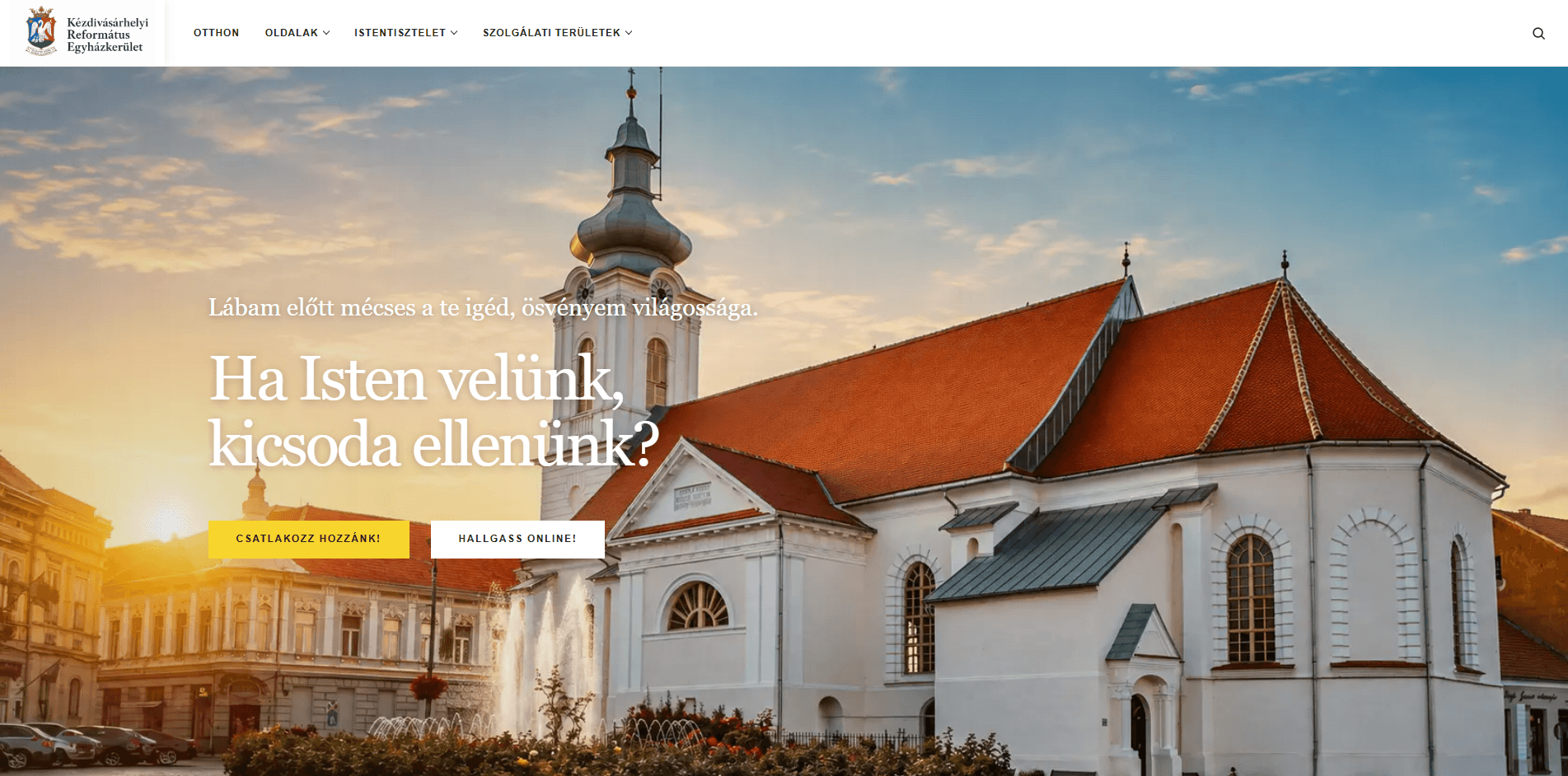
A modern, responsive website developed for the Reformed Church Community of Târgu Secuiesc, providing a dedicated digital platform for the congregation. Its main features include uploading an
07Why custom
Ready-made tools are a good fit when your process matches theirs. When it does not, teams end up adapting their work to the tool, paying for features they never use and still exporting data to spreadsheets. A custom application follows your process, and you decide how it evolves.
08Questions
A website mainly presents information. A web application is used to get work done: users log in, create and edit data, and the system follows rules that are specific to your business.
Yes. The interface is designed responsively, so it works in the browser on phones, tablets and desktops without installing anything.
Usually, yes, if the other system offers an API or a data export. Integrations are planned as part of the project, and the planner lets you note which systems are involved.
No. It helps to know the main goal and the users. The details are shaped together, and the application is built in stages, so priorities can be adjusted along the way.
Web applications
Describe the users, the data and what should become simpler. The planner turns it into a structured brief for us.